

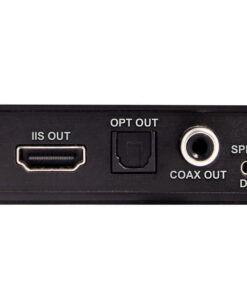
Omnia Stream Mini
Original price was: $ 259.00.$ 59.00Current price is: $ 59.00.
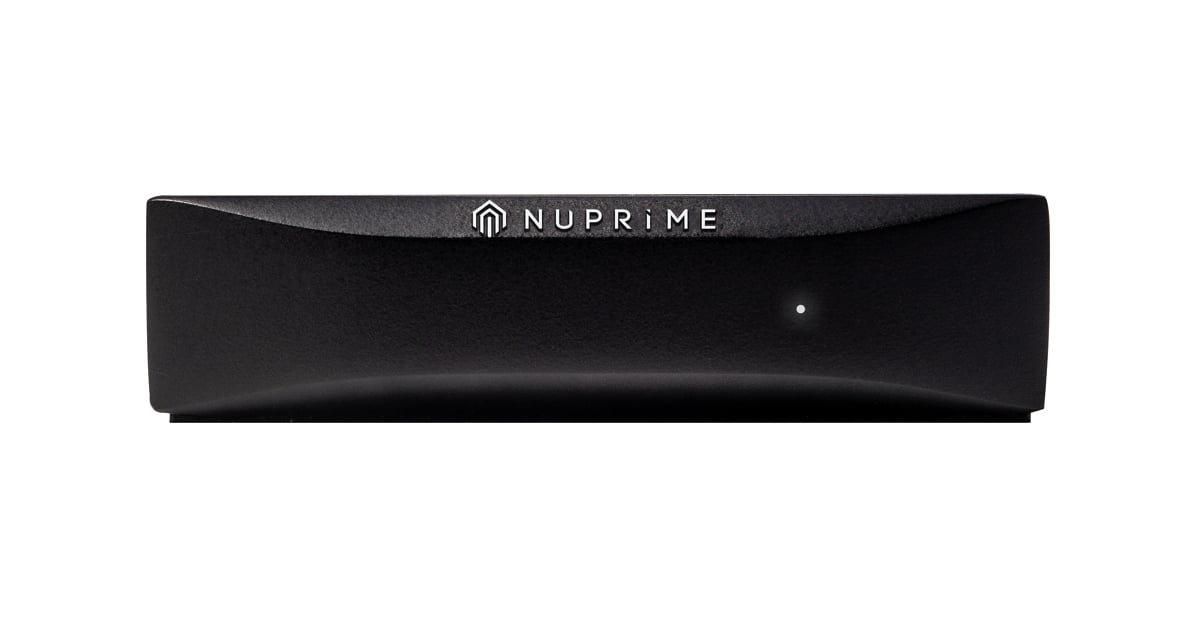
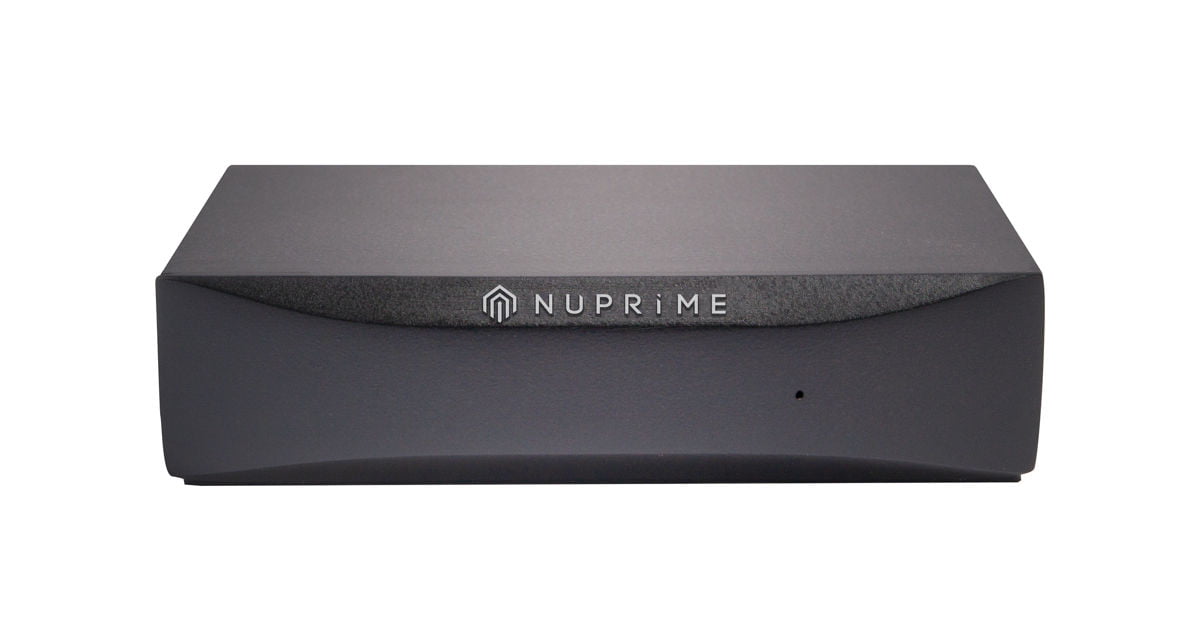
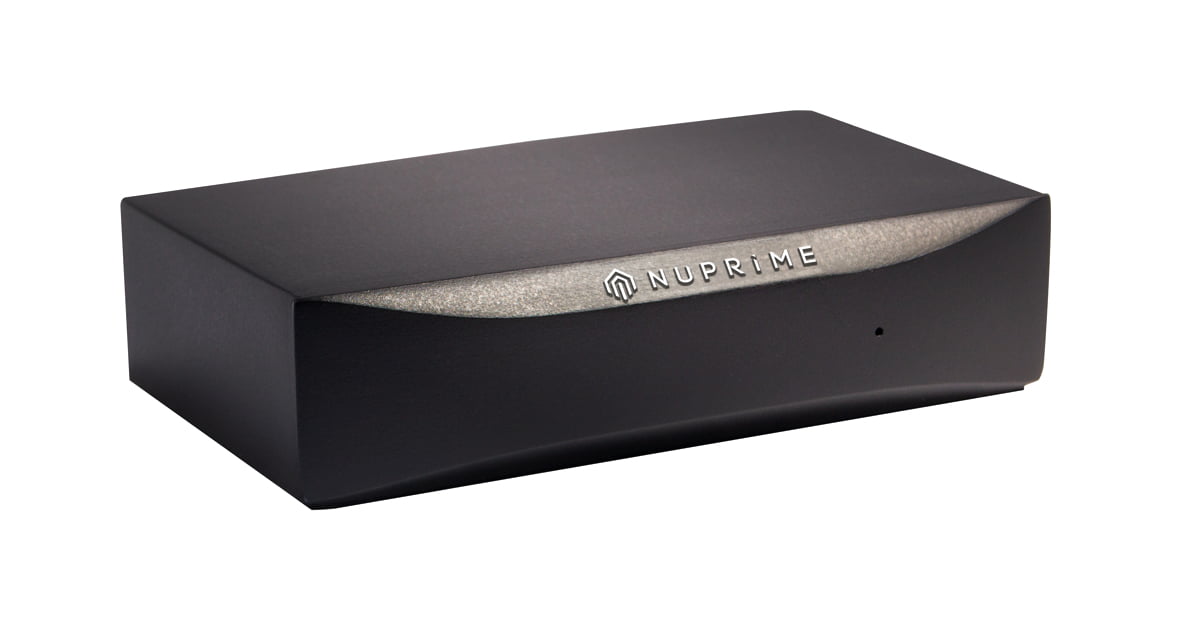
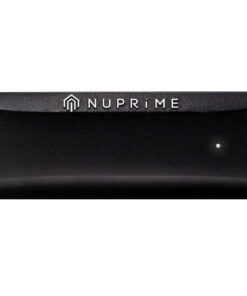
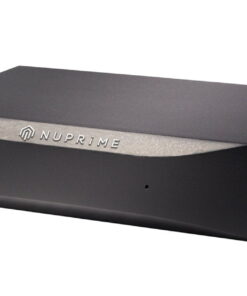
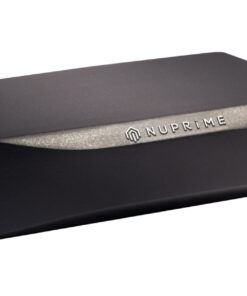
The NuPrime Omnia Stream Mini is a versatile network audio streamer with AirPlay and DLNA/UPnP support for multi-room playback, featuring Wi-Fi streaming up to 24-bit/192kHz and Bluetooth connectivity, designed to bring high-quality streaming to any DAC or integrated amplifier.
-> Omnia Device Guide
| Weight | 0.21 kg |
|---|---|
| Dimensions | 102 × 135 × 55 mm |
| Color | Black |

Features:
- Wi-Fi 24-bit/192kHz and Bluetooth streaming (receiving only)*
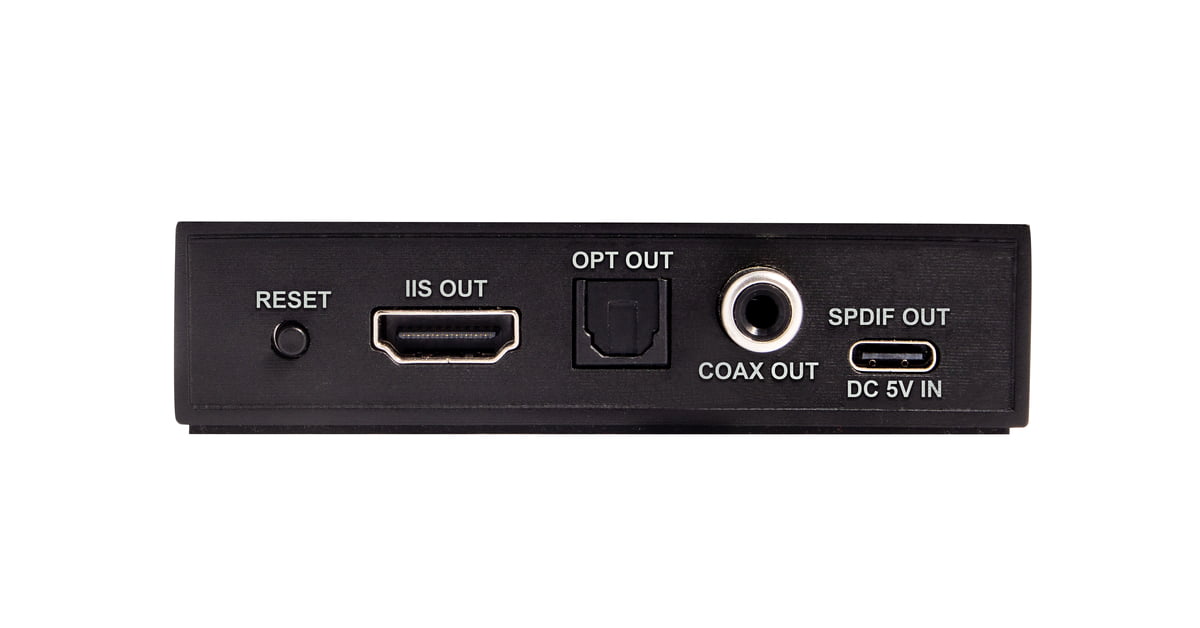
- I2S, Optical, Coaxial, and NuPrime Digital Port outputs
- Power: 5V DC (standard USB 5V charger or connect to NuPrime Digital Port)
Note: Spotify Lossless, TIDAL Connect, and Qobuz Connect are not supported. Streaming is available via AirPlay 2 or DLNA through MConnect (iOS) and BubbleUPnP (Android).
Streaming Services and Hi-Res Streaming for NuPrime Omnia Devices
Supported online streaming services: Qobuz, QQ Music, Spotify, TIDAL, Apple Music.
Qobuz and Tidal
- Stream music from Qobuz and TIDAL using the MConnect Player app on iOS or the BubbleUPnP app on Android. Hi-Res audio streaming is supported via the DLNA protocol.
- Qobuz Connect and Tidal Connect not supported.
Spotify
- From Spotify player, stream to NuPrime device through Spotify Connect.
- Spotify Lossless is not supported.
QQ Music (QQ音乐)
- Refer to QQ music setup guide
| Method | Bit / Sampling Rate |
| UPnP/DLNA renderer | Full Hi-Res possible |
| Chromecast | Up to 24-bit / 96 kHz typically |
| AirPlay | Limited to 16-bit / 44.1 kHz |
Dimension and Weight:
- Product Dimension: 22 x 87 x 59 mm (H x W x D)
- Package Dimension: 55 x 135 x 102 mm (H x W x D)
- Product Weight: 0.08kg
- Package Weight: 0.21kg
- Color: Black
- Warranty: 1 year.
* Mobile devices can stream Bluetooth music to Omnia Stream Mini, but it can not stream to Bluetooth earphones.


iOS
- Install the NuPrime Omnia Receiver app from the Apple App Store. Use it only for setting up your device for Wi-Fi connection and multi-zone grouping, not for streaming playback. Omnia Receiver app User Guide
- Use the MConnect app to stream from your favorite services or local NAS to the Omnia device.
Android
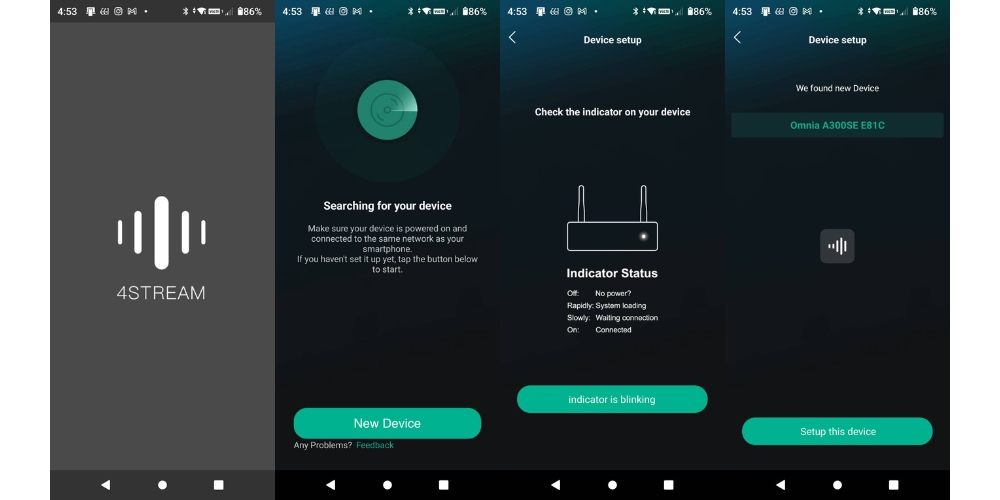
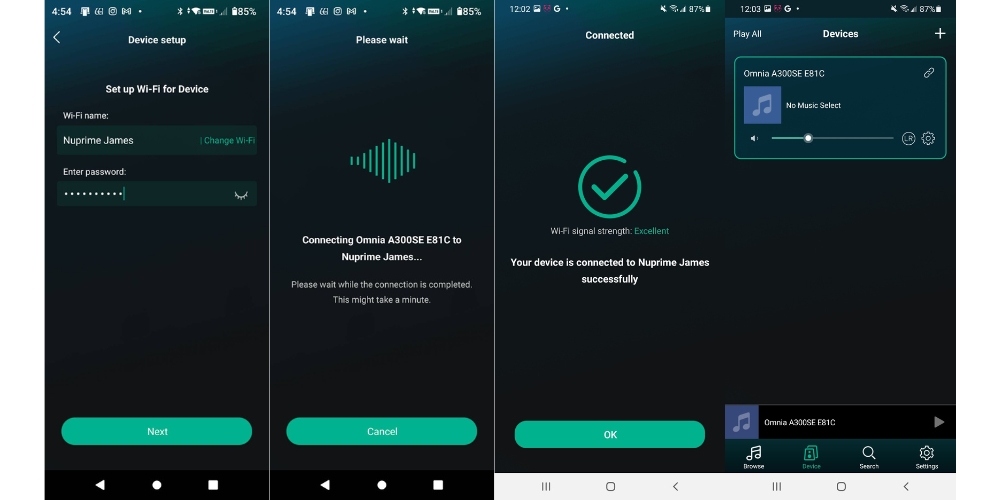
- Install 4Stream App from Google Play Store if you can't install Nuprime Omnia app. Set up your Omnia device for Wi-Fi connection and multi-zone grouping.
- Use the BubbleUPnP app to stream from your favorite services or local NAS to the Omnia device.
4Stream Guide (for device setup only)
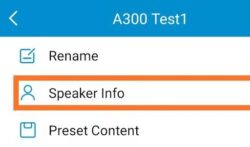
Over-The-Air Update
- Go to the setting for your device
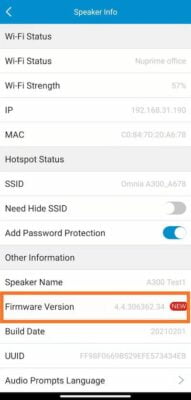
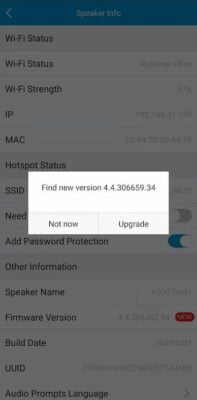
- Select the "NEW" firmware and a dialog box will pop up. Select Upgrade.
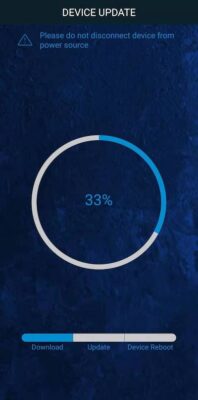
The latest Android app version is 3.1.11.230620
The latest iOS app version is 2.8.11809
*** this version added support for gapless playback.
Manual System Firmware Update
Follow the instructions below to update the system firmware if required in a rare situation. If you are not asked to update the system firmware, don't do it. This section does not concern you!
Device System Firmware Update Instructions
- If you are updating streaming integrated amp such as A300, A300SE, Stream Mini, Stream Mini DAC, disconnect it from the speakers.
- Download and install updateTool v1.18 (updateTool.exe) on a PC running Windows 10.
- Locate the IP address of A300 on your network using Omnia Receiver App (the following App images use WR1 as an example):
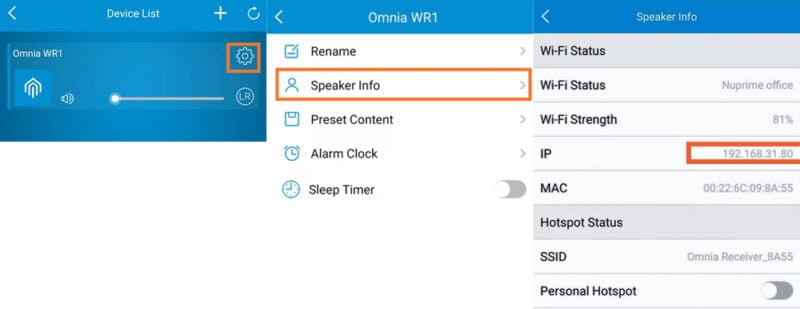
- Enter the device's IP address in updateTool.
- Download and Unzip the relevant firmware files onto your PC and provide the file path for updateTool to install.
A300, 300SE firmware: a98_nuprime_new_SECURE_uImage_ota_moduleMulti_20211108_4.6.334960
A300, WR-1 firmware: a31rakoit_new_uImage_20220427
Stream mini, Stream mini DAC firmware: a97l_rakoit_new_SECURE_uImage_ota_moduleMulti_20220401_4.6.412542
WR-2 firmware: a97_rakoit_new_SECURE_uImage_ota_moduleMulti_20230302_4.6.509530
Controlling Multiple Stream Mini AND Re-Streaming
Each Stream Mini is independently controlled by the Omnia Receiver App and can be accessed from the Device List. You can assign different names to each receiver, choose what songs each of them is playing, or even group them to play the same music. To group devices, press and hold a device icon and drag towards another device or existing group.


Group's Device Master AND Re-Streaming
When multiple devices are grouped, the first device in the group act as the master for music source.
Re-streaming happens when the master device receives music from Bluetooth, analog or optical in put and streams to all other receivers within the group.
